Unlock Creativity with Timeline Infographic Vectors
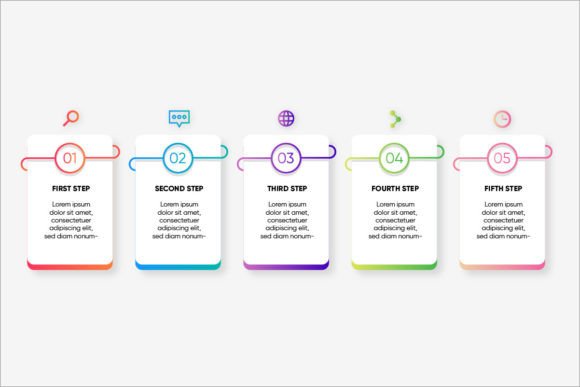
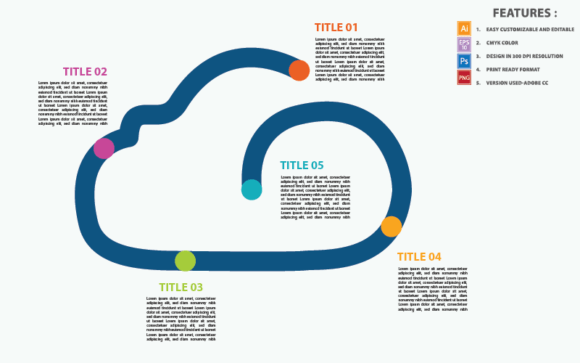
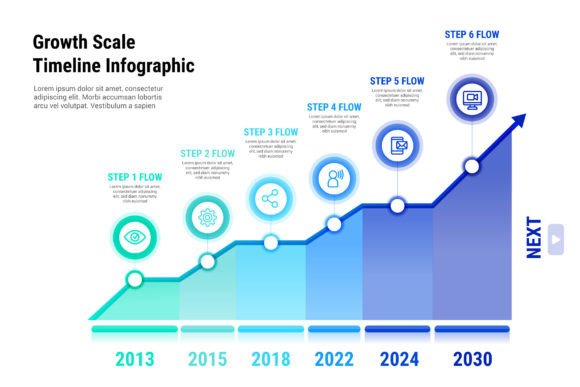
Timeline Infographic Vector Design offers a versatile and visually engaging way to present information. Whether you're a designer, marketer, or educator, this design tool can help you create compelling and clear timelines that captivate your audience.
What Makes Timeline Infographic Vectors So Useful?
These vectors are not just about aesthetics; they are functional and flexible. The Timeline Infographic Elements download includes high-quality, 300 dpi print-ready CMYK Ai EPS files, making them perfect for both digital and print projects. All main elements are editable and customizable, allowing you to tailor the design to your specific needs.
Key Features of the Vector Infographic Elements
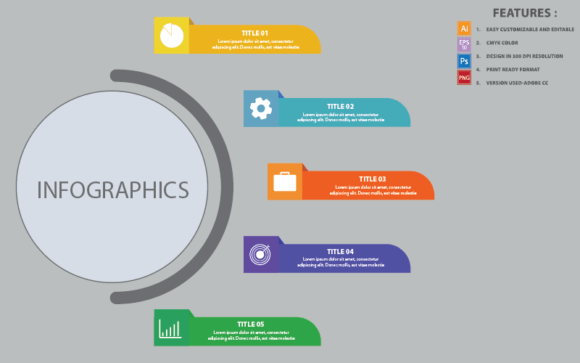
- Easy Customizable and Editable: Modify colors, text, and layout effortlessly.
- CMYK Color: Ensure color accuracy for professional printing.
- 300 DPI Resolution: High-resolution for crisp, clear prints.
- Print Ready Format: Perfect for immediate use in various print materials.
- Version Used-Adobe Cc: Compatible with the latest Adobe Creative Cloud software.
Files Included in the Download
The package is comprehensive, providing everything you need to start creating. It includes:
- 1 AI, EPS, PSD, and PNG files for different editing and usage scenarios.
- 1 Information File with detailed instructions and tips.
- 1 Read Me File for quick setup and customization.
The font used in the design is Myriad Pro, a clean and modern typeface that enhances readability and professionalism.
Creative Possibilities and Applications
Timeline infographics are incredibly versatile. Here are some creative ways to use them:
- Marketing Campaigns: Highlight key milestones and achievements in a visually appealing manner.
- Educational Materials: Simplify complex historical or chronological data for students and educators.
- Business Presentations: Showcase company history, project timelines, or strategic roadmaps.
- Event Planning: Create detailed schedules and itineraries for events, conferences, and workshops.
Tips for Effective Use
To make the most of your timeline infographic, consider these practical tips:
- Keep It Clear and Organized: Use a consistent color scheme and font to maintain clarity and coherence.
- Focus on Key Events: Prioritize the most important milestones to avoid overwhelming the viewer.
- Use Visual Hierarchy: Emphasize key points with size, color, or placement to guide the viewer's attention.
- Test and Iterate: Gather feedback from your target audience and refine the design as needed.
- Creators and Designers: Experiment with unique styles and layouts to stand out and showcase creativity.
- Marketers and Bloggers: Use timelines to tell a story, build brand identity, or engage readers with interactive content.
- Entrepreneurs and Small Business Owners: Communicate business growth, product development, and future plans to stakeholders and customers.
- Educators and Students: Enhance learning materials with visually engaging timelines that simplify complex topics.
Adapting for Different Goals and Audiences
Different users can adapt the timeline infographic for various purposes:
Conclusion
The Timeline Infographic Vector Design is a powerful tool for anyone looking to present information in a clear, engaging, and visually appealing way. With its easy customization, high-quality resolution, and versatile applications, it's an essential resource for a wide range of creative and professional projects.
If you need any help using the file or require special customizing, feel free to contact me via my Creative Deviser profile. Your feedback is valuable, so if you have a moment, please rate this item. Thank you!